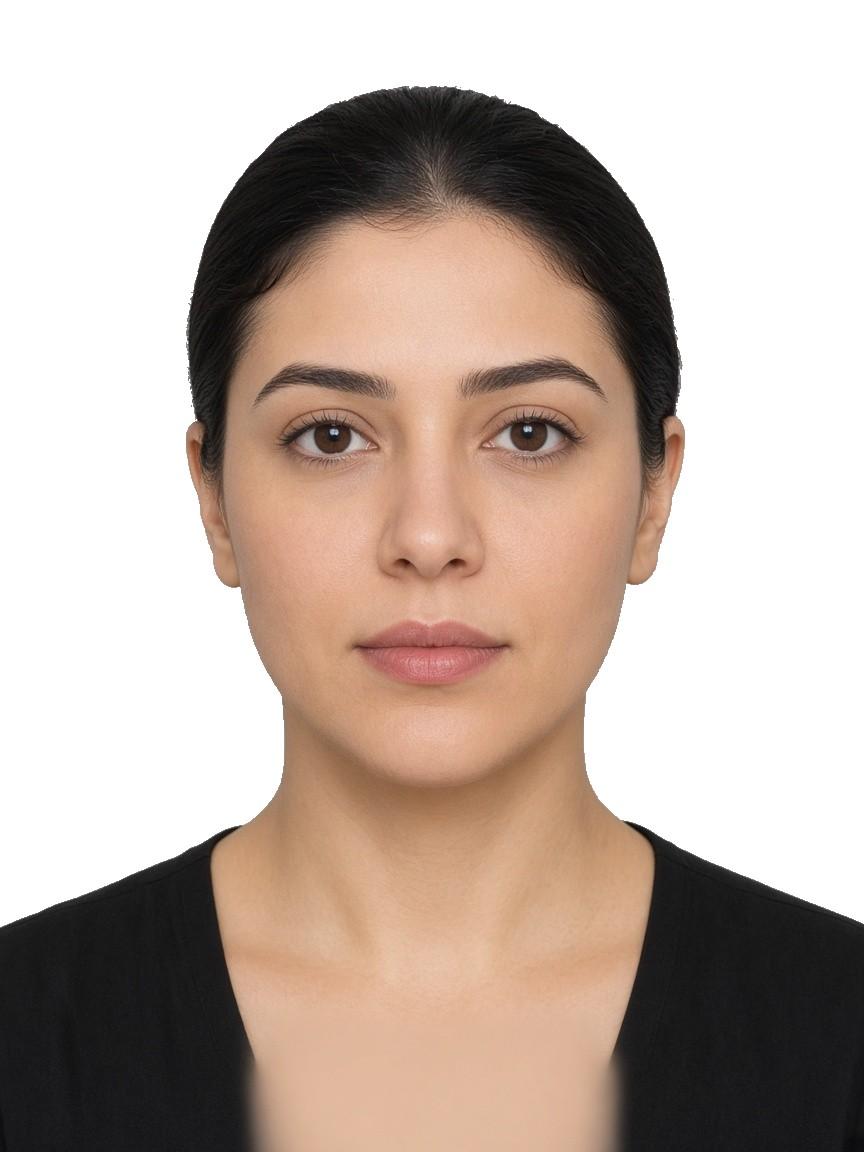
 Accepted
Even light for a labour file
Accepted

GetIDPhotoAI
Build a residency visa portrait for Abu Dhabi, Sharjah, and the northern emirates. Portals accept 35 × 45 mm or 40 × 60 mm, on white or light grey.
Drag & drop your photo
or
رقمي قياسي
AED 20
تحقق بشري
AED 30
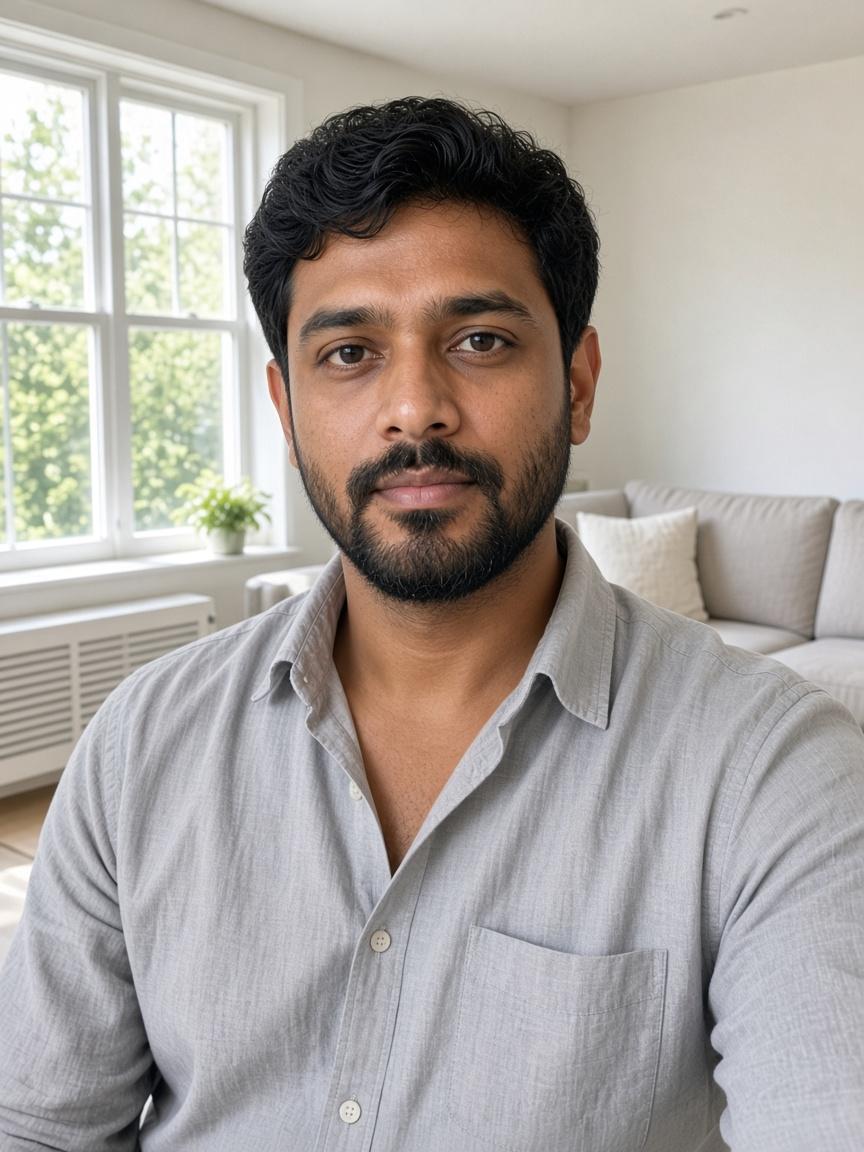
Before
Your selfie
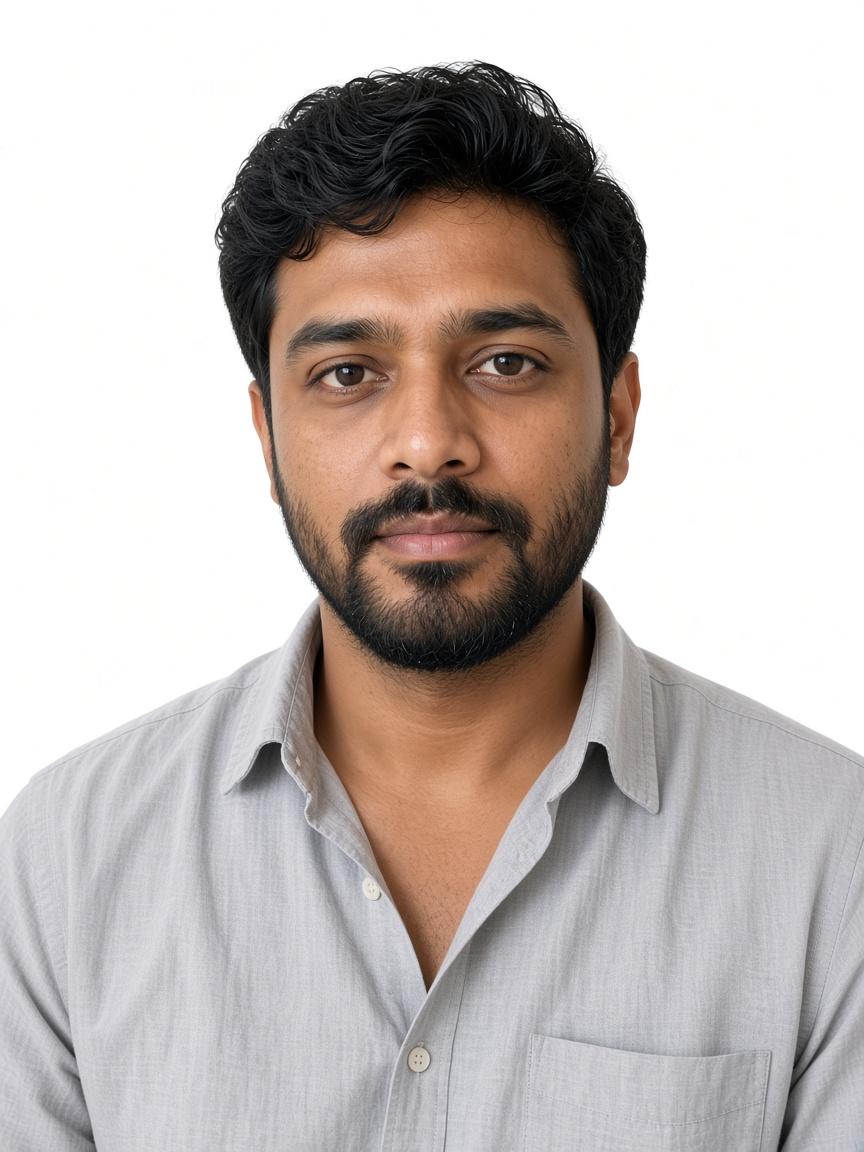 35 × 45 mm
After
Visa portrait
MOHRE work-permit desks, and residency portals in Abu Dhabi, Sharjah, and the northern emirates, take 35×45 mm or 40×60 mm on white or light grey.
Match your picture to these visa examples. Watch the backdrop, the mouth, and whether both eyes are clear.
AcceptedEven light for a labour file
Accepted
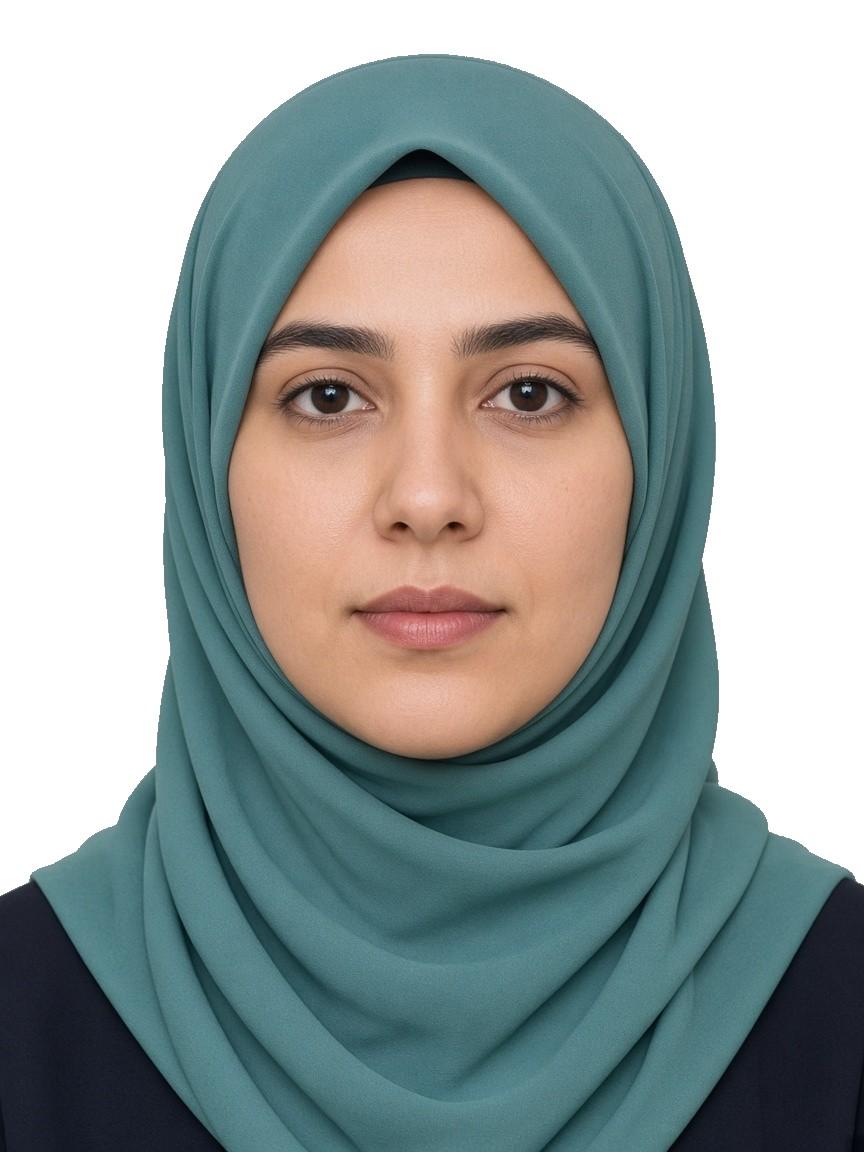 Accepted
Scarf clear of the cheeks
Accepted
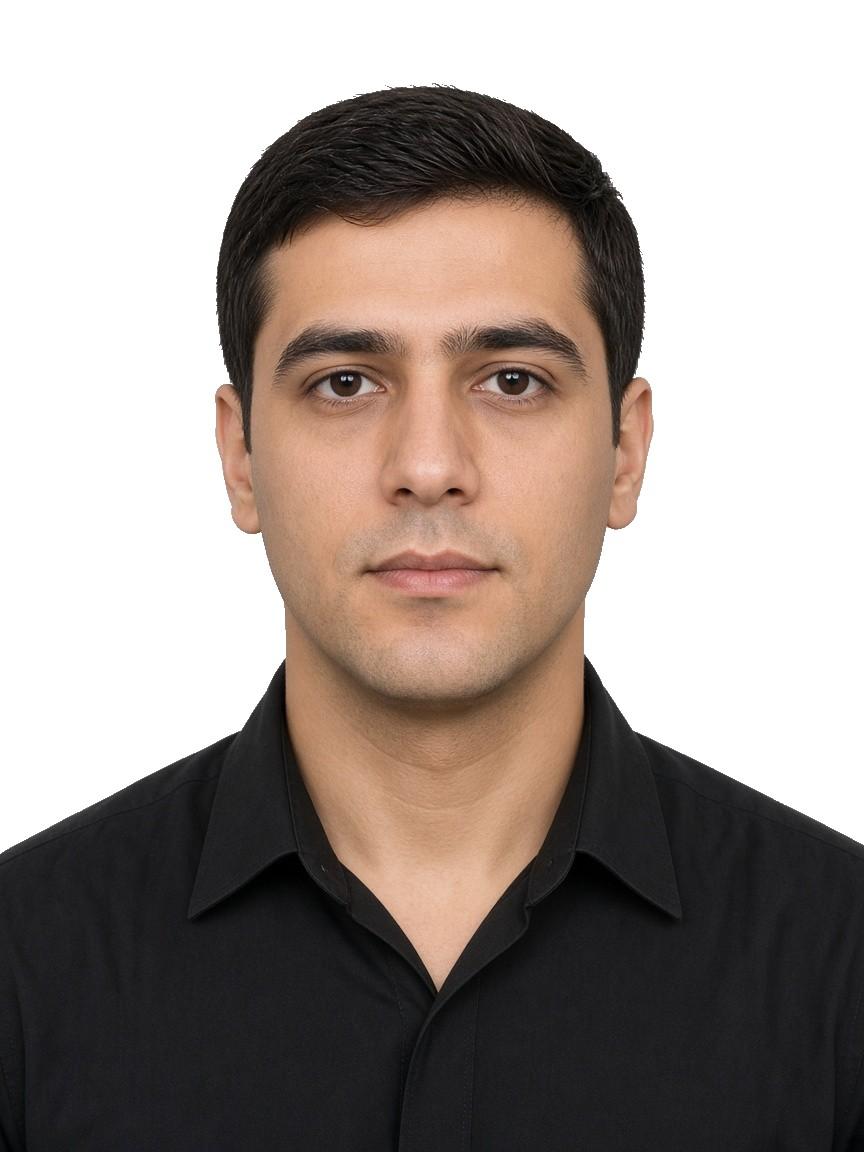 Accepted
Level eyes, lips closed
Accepted
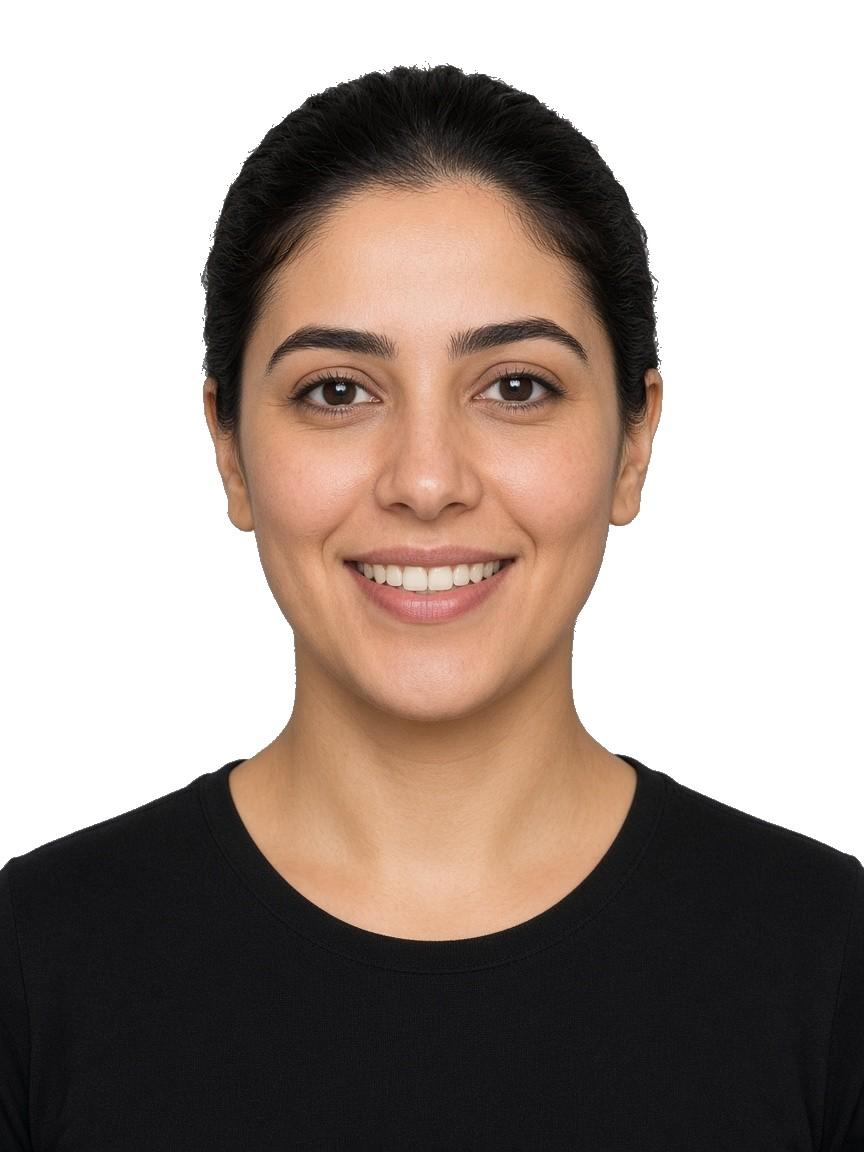 Rejected
Teeth in a work-permit photo
Rejected
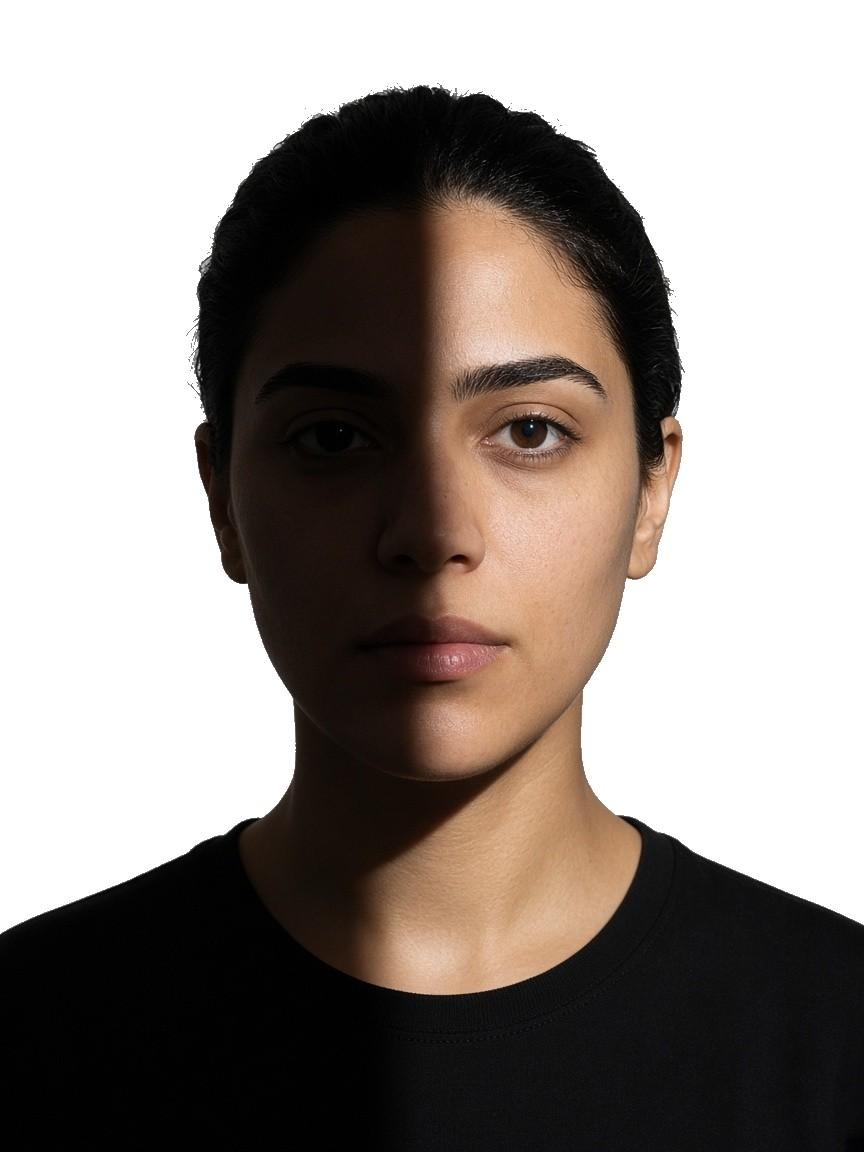 Rejected
Office shade on one cheek
Rejected
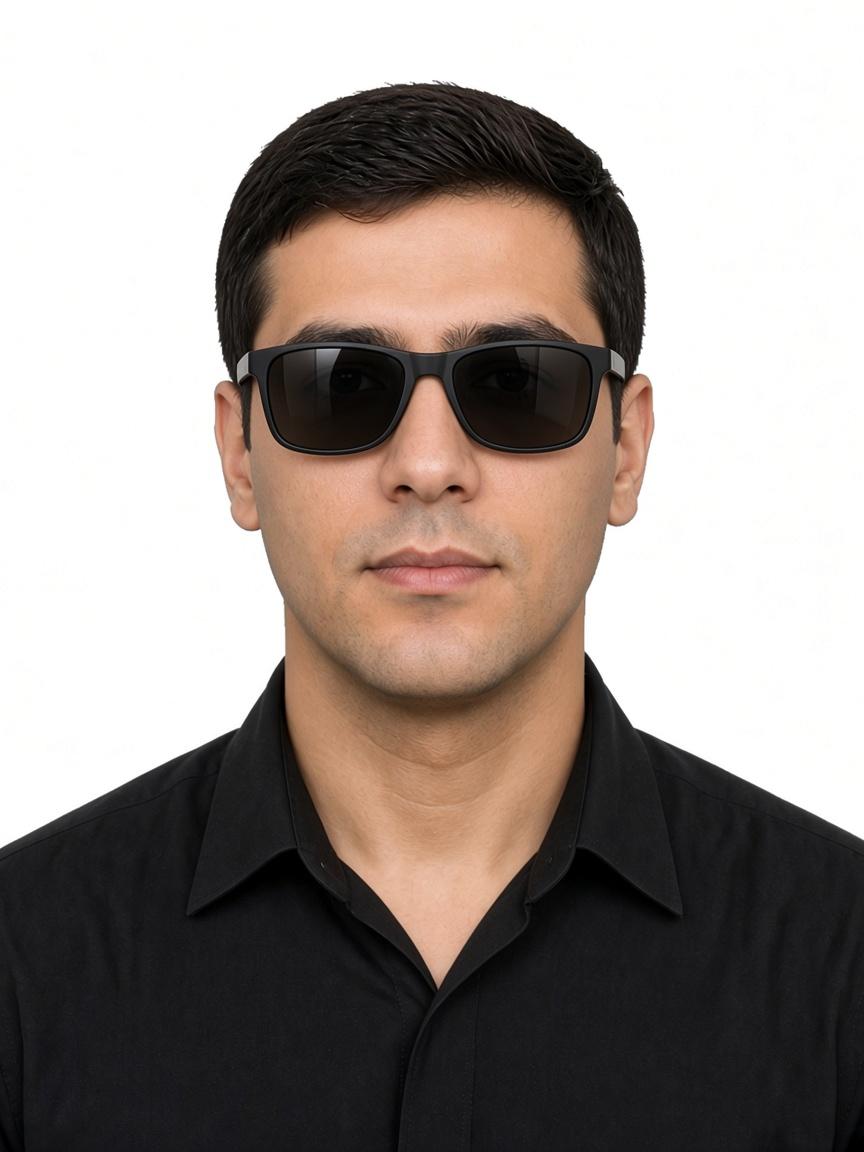 Rejected
Tinted lenses on a labour file
Rejected
A daylight phone picture becomes a 35 × 45 mm or 40 × 60 mm file you can attach to a residency visa outside Dubai.
Stand facing a window. Keep the camera at eye height and leave the wall behind you plain if you can.
Upload that picture. GetIDPhotoAI sets the frame to 35 × 45 mm or 40 × 60 mm and matches the backdrop to the portal, white or light grey.
Download the JPEG for a visit visa, an employment entry permit, or a family visa filed through a typing centre outside a Dubai-only desk.
MOHRE file pricing
One payment in dirhams. The download is a 35×45 mm or 40×60 mm portrait for a labour or residency form outside Dubai.
تنزيل رقمي
AED 20
دفعة لمرة واحدة · درهم
تنزيل رقمي
AED 30
دفعة لمرة واحدة · درهم
الطلبات بين 5:00 مساءً و8:00 صباحاً تُدرج للمراجعة ذات الأولوية صباحاً الساعة 8:00. يمكنك تنزيل الصورة الرقمية فوراً. إذا لم تستوفِ الصورة الإرشادات الرسمية، يتواصل معك المحرر عبر واتساب أو البريد.
Finish the residency portrait first. Payment appears only after that MOHRE-sized file is ready.
Visa FAQ
Work-permit frames, which emirates use them, and which office walls fail a MOHRE upload.
Labour and residency forms outside Dubai ask for either 35×45 mm or 40×60 mm. Read the dropdown on that form. A 40×60 mm slot will not take the smaller Emirates ID crop.
Official source: MOHRE
Use it for Abu Dhabi, Sharjah, Ajman, Ras Al Khaimah, Fujairah, and Umm Al Quwain. Those desks follow MOHRE for the work permit and the local residency portal for the visa. Dubai family sponsorship is a different authority.
Official source: MOHRE
Attach a colour JPEG at the size that form names. A photocopy, a black-and-white scan, or a blurry thumbnail is returned by the typing centre.
Official source: ICP residency services
A ghutra or hijab can stay when both cheeks, the chin, and the forehead remain in view for the labour file. A cap brim or cloth over the eyes is removed.
Official source: MOHRE
Sit the child so the eyes meet the lens. Keep a parent’s hands below the frame. The field behind the child can be white or light grey, matching the portal that asked for the picture.
Official source: ICP residency services
No. Finished labour files need white or light grey, with no cream cast and no shadow on the shoulder. A dark curtain or a coloured wall is replaced before you download.
Official source: MOHRE
Internal guides
This file is for labour and residency desks outside Dubai. GDRFA, ICP card, and passport renewals are separate guides.